AI ID Photos: Where You Can and Can't Use Them
The first question people ask about an "AI ID photo" is whether it works for a passport or driver's license. It doesn't. AI-generated photos are not valid for official IDs or passports, and our terms say so. They work well for resumes, job applications, staff badges and profiles, where there is no identity rule.
Make my resume photo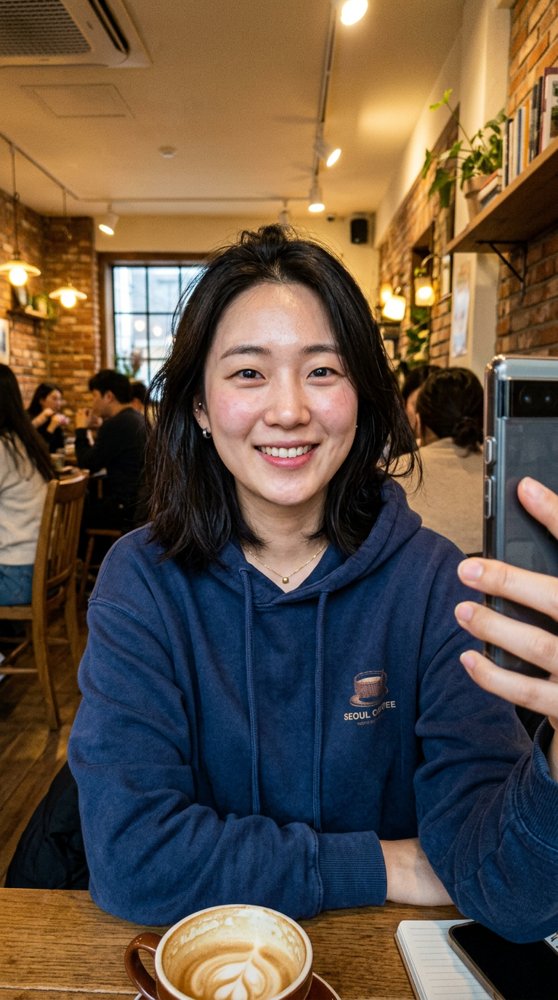
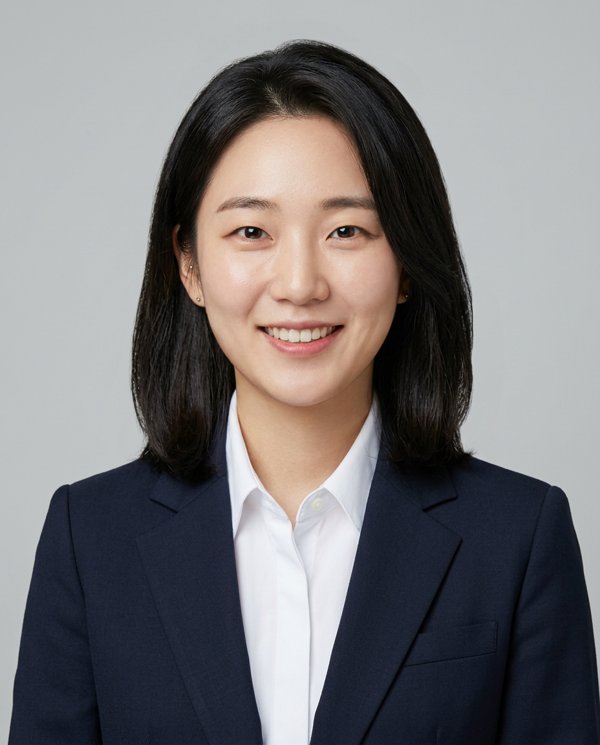
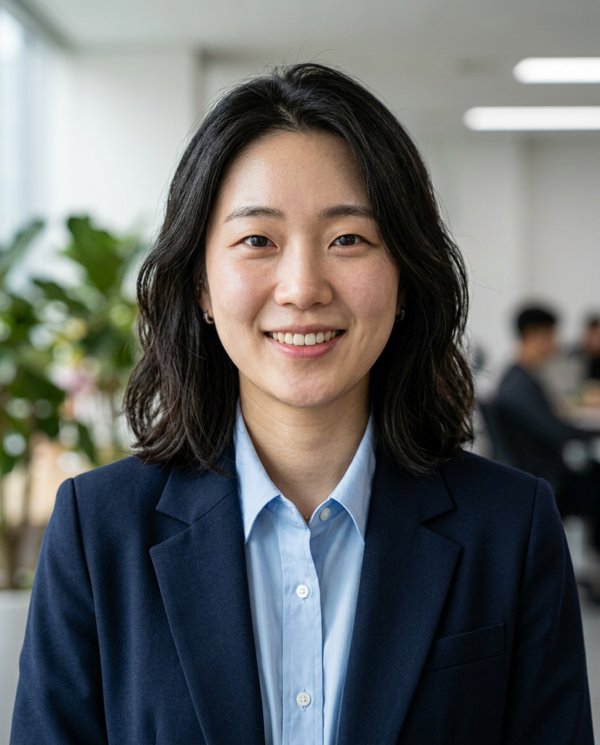
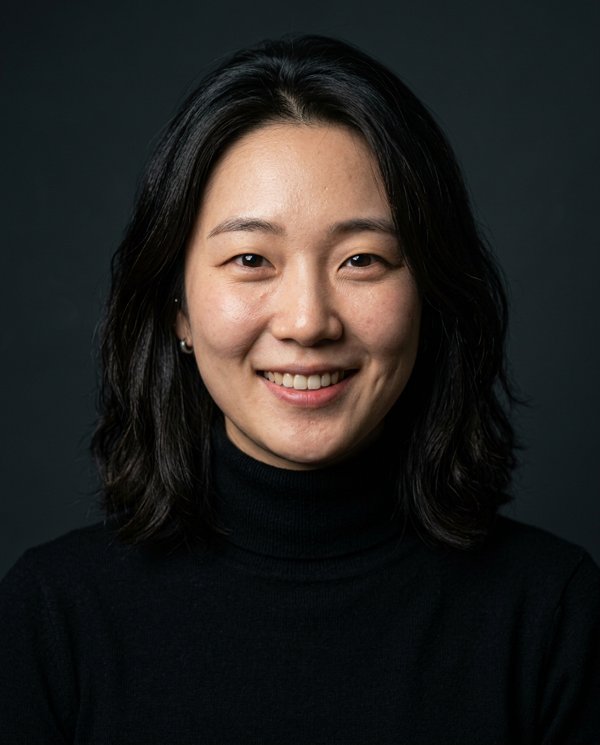
OK vs not OK
- OK: resumes and CVs, job applications, staff badges, LinkedIn, company team pages, Slack and messenger avatars.
- Not OK: passports, national ID cards, driver's licenses, visas. Official photos must show you as you are, and edited or composited photos can be rejected. Follow the issuing agency's photo rules.
- Exam registrations and other forms with their own photo rules: check those rules first.
The "Resume" style
- One of the 8 styles is a Korean resume-photo look: dark suit, centered frontal pose, plain white background, even lighting.
- Every run also includes Corporate, LinkedIn, Studio, Outdoor, Lifestyle, Medical and Speaker. You can't generate only one style.
- Starter ($9) gives 1 photo per style (8); Pro ($19) gives 3 per style (24).
- Backgrounds are set per style and can't be changed. Output is 4:5 portrait; crop it to the size your form asks for.
Selfie tips
- Face the camera in good light, face filling the frame.
- No sunglasses or hats.
- The AI is built to keep your face, but details can drift. Only use takes that look like you today.
FAQ
Can I use it for my passport or driver's license?
No. AI-generated photos are not accepted for official IDs or passports.
Is it OK on a resume?
Usually yes; resumes have no legal photo standard. Follow the employer's instructions if they have any.
Can I get only white-background photos?
No. Each run makes all 8 styles; the Resume style is the white-background one. Pro gives you 3 of it.
Do you keep my photo?
No. It is used only for generation and results go straight to your browser.
Related
AI resume headshotsSuit headshot from a selfieLinkedIn headshots
Last updated: 2026-10-16